
Home Assistant
Bring Home Assistant rooms, entities, and controls into Meridian.
See and control supported smart-home devices from one desktop app. Meridian stores its own data on your hardware.
Available for macOS, Windows, and Linux · macOS 0.1.0+4
Meridian puts rooms, cameras, devices, scenes, events, and alerts on one desktop.
Cameras, lights, locks, sensors, and scenes grouped by area—living room, garage, office.
Home Assistant, Tuya, Alexa, Arlo Cloud, plus gear Meridian finds on your local network.
Meridian keeps its own data locally. Some provider integrations still talk to that provider’s cloud.
Build routines and keep an eye on motion, doors, events, and failures from one place.
Meridian can run by itself on your computer or connect to Meridian Runtime for a whole-house setup.
Connect supported smart-home services directly from the desktop app. No separate server is required.
Meridian Runtime can stay on an always-on computer and serve other devices on your home network.
Support varies by provider and device. Some connections stay entirely on your network; others rely on the provider’s own service.
Bring Home Assistant rooms, entities, and controls into Meridian.
Connect compatible Tuya devices through the provider integration.
Link compatible Alexa Smart Home devices after granting Amazon permission.
Connect compatible Arlo cameras and security devices through the Arlo cloud integration.
Find supported equipment through Meridian’s LAN discovery.
Click any screenshot to open the full-size view.
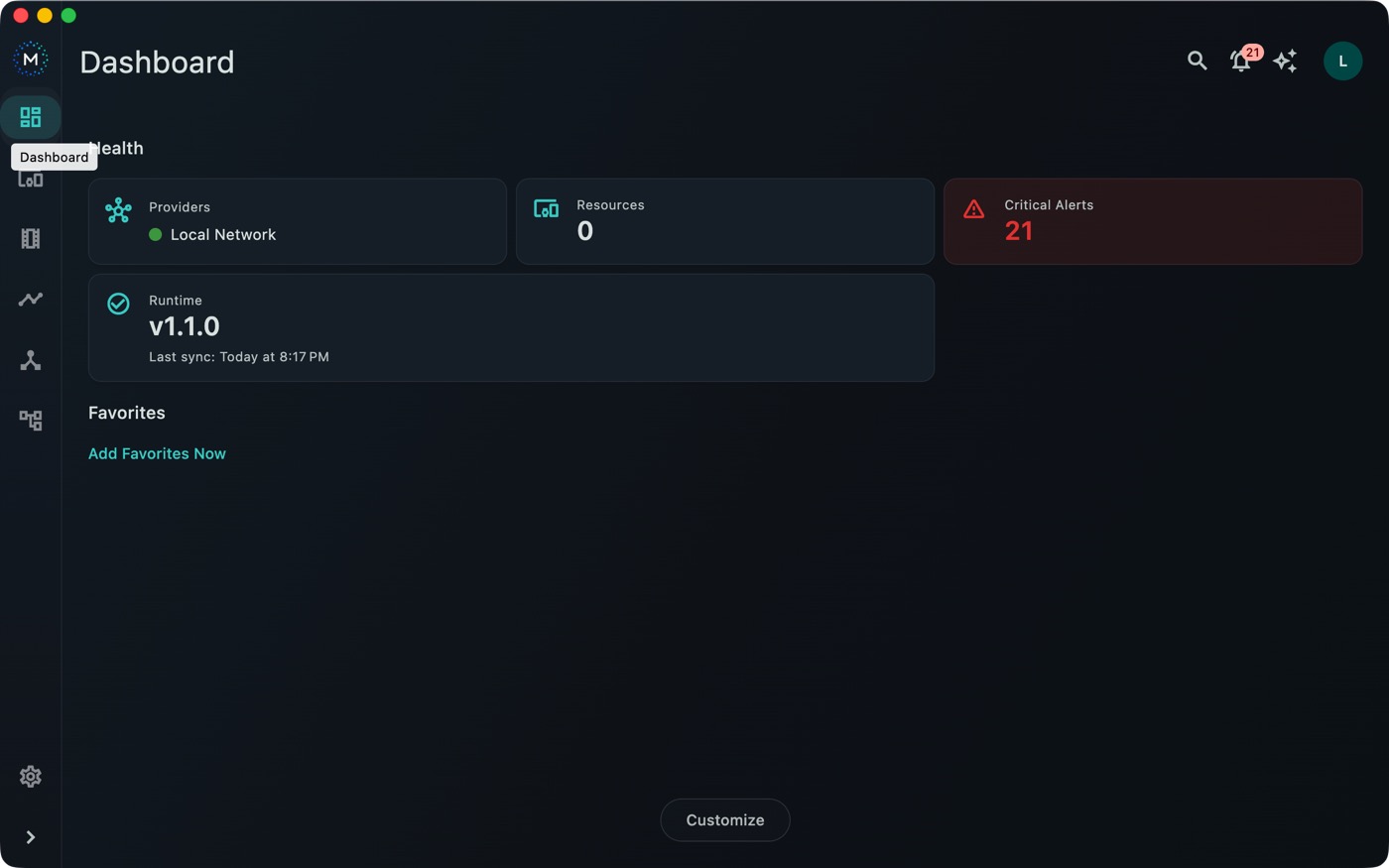
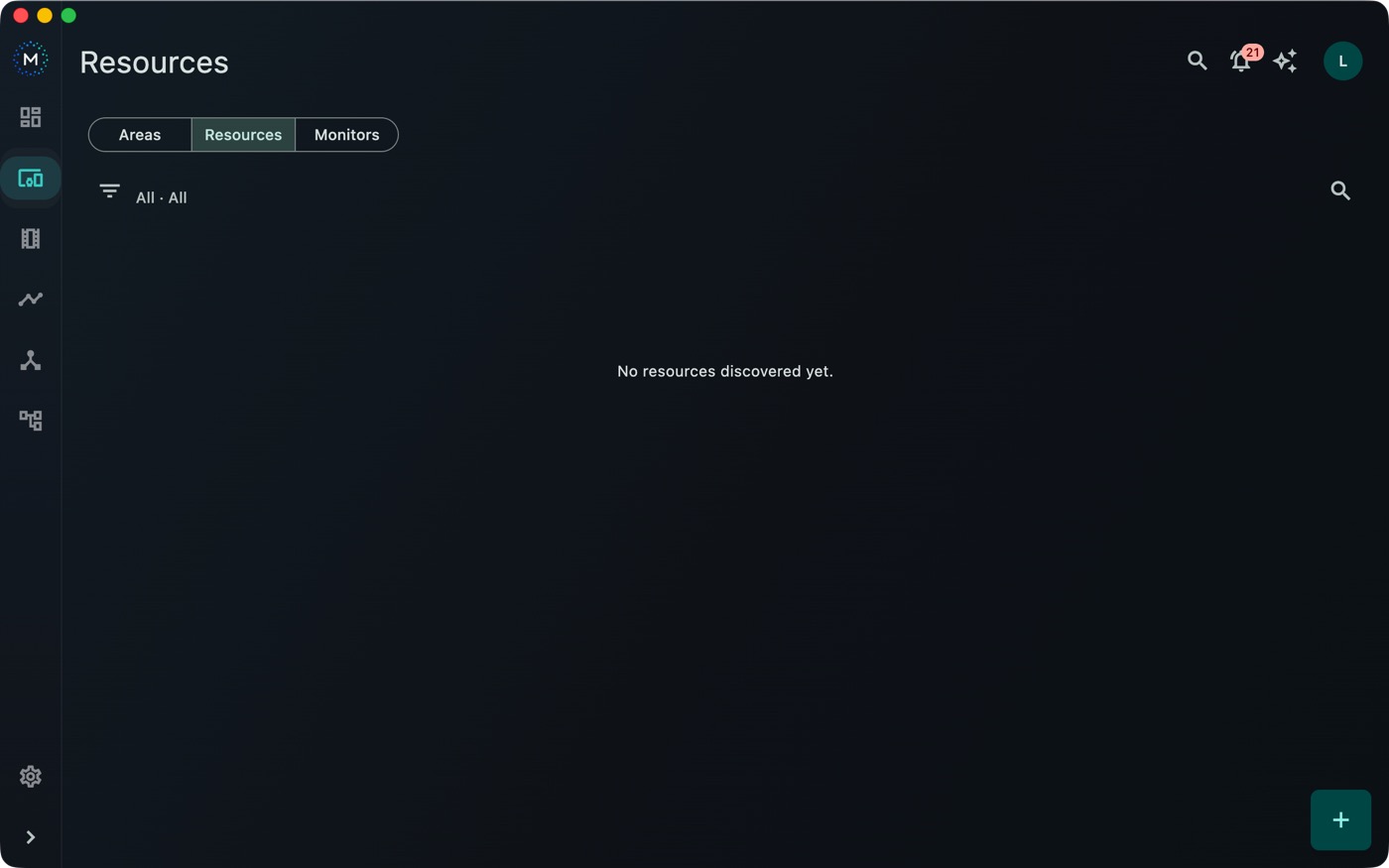
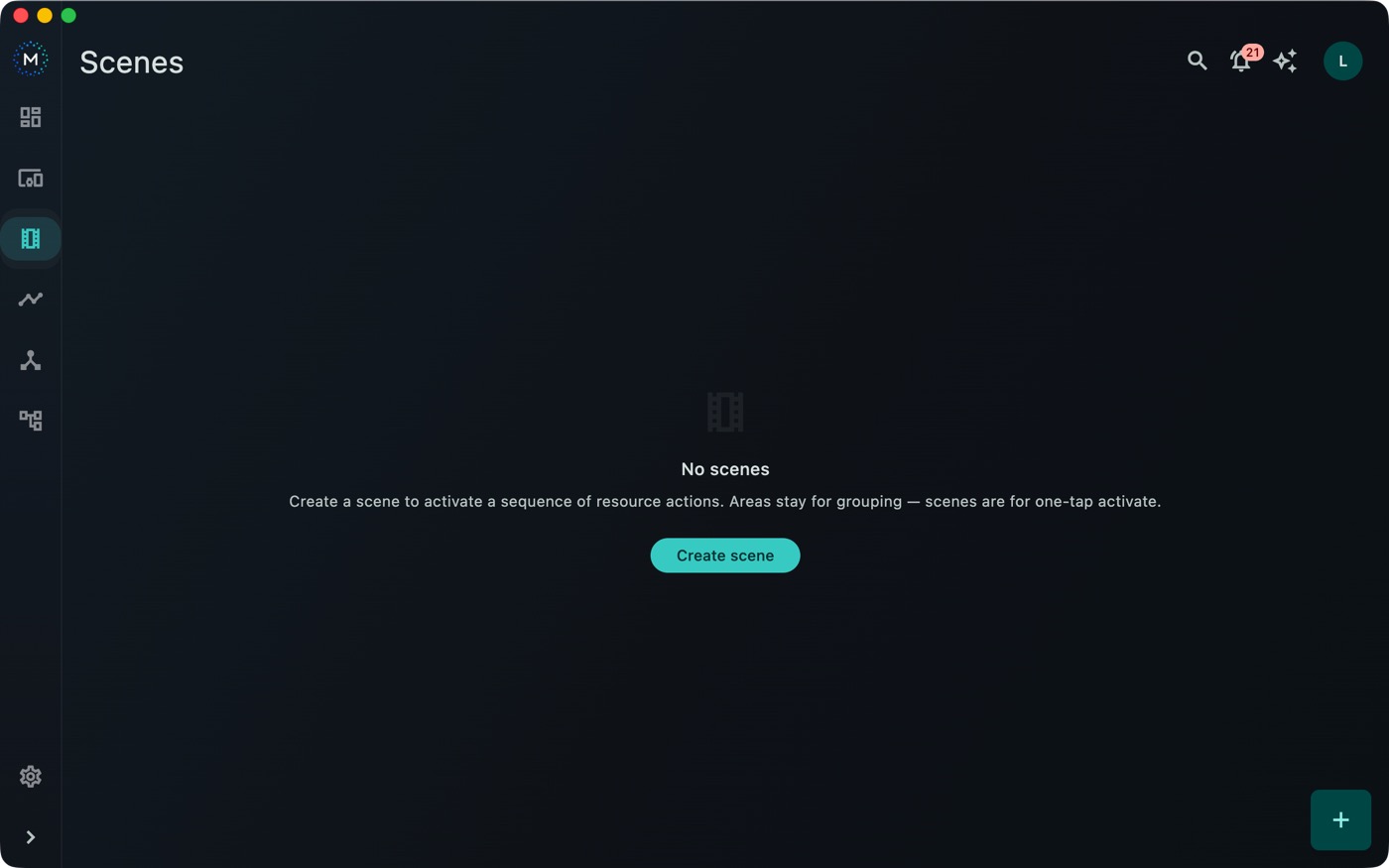
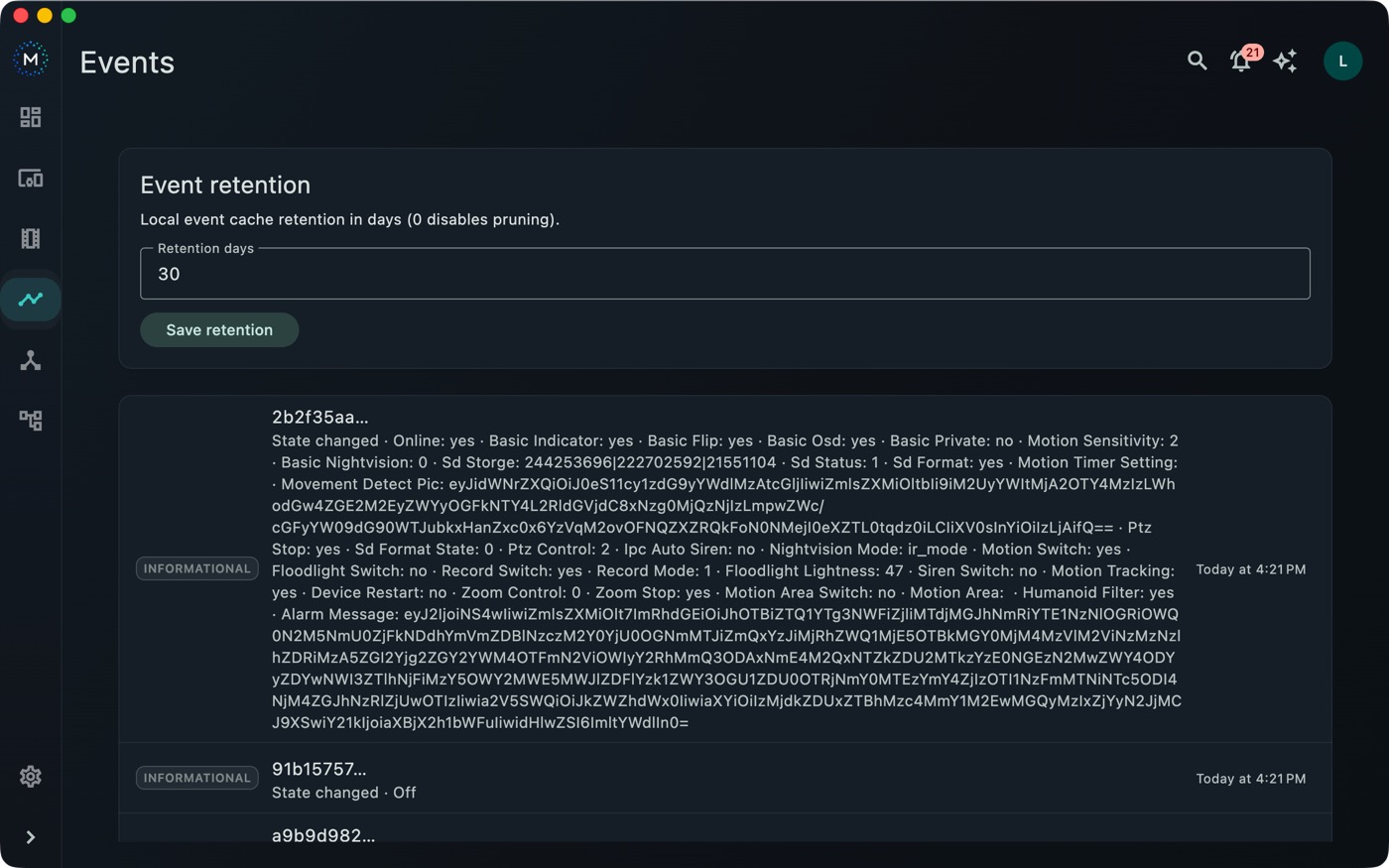
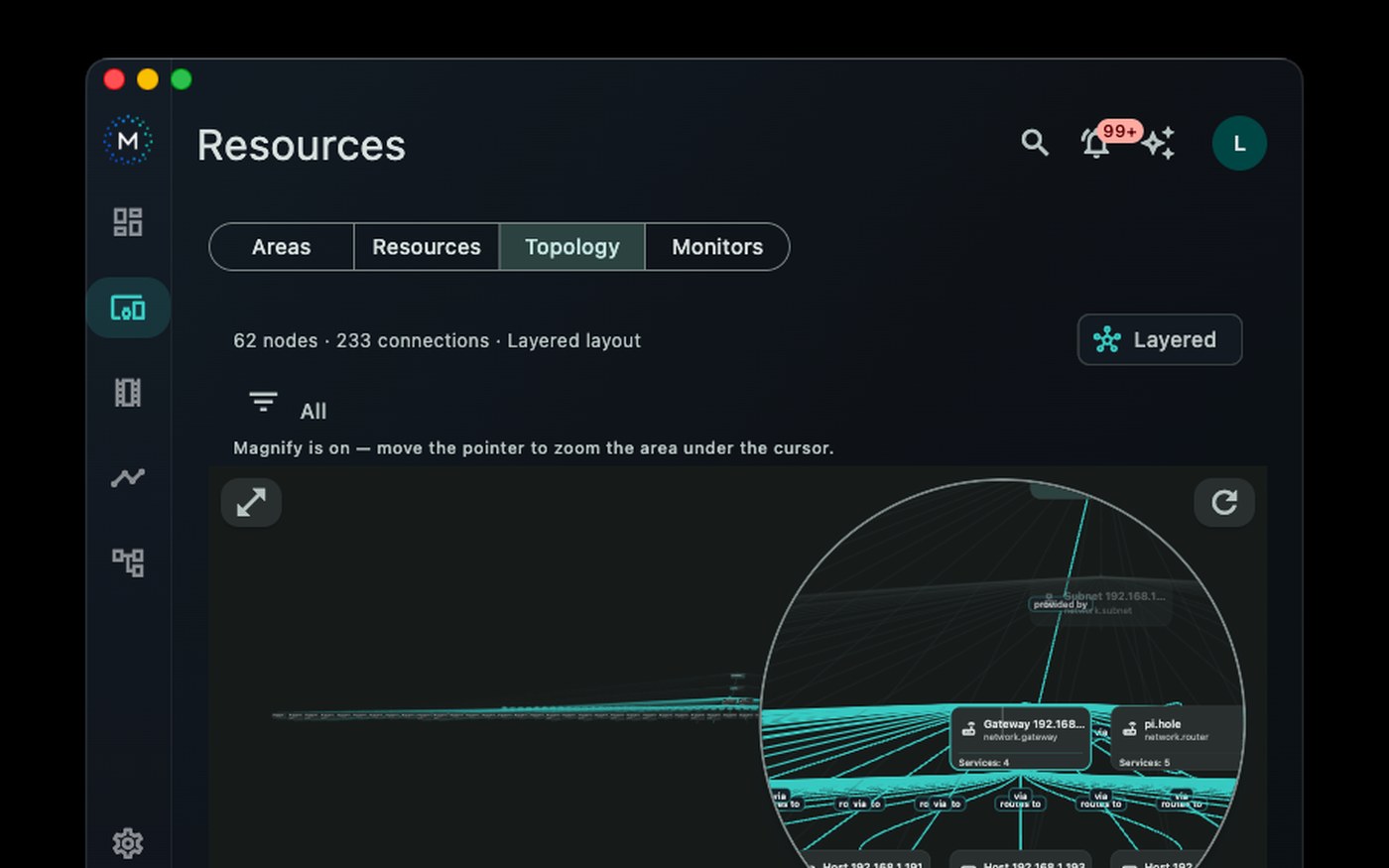
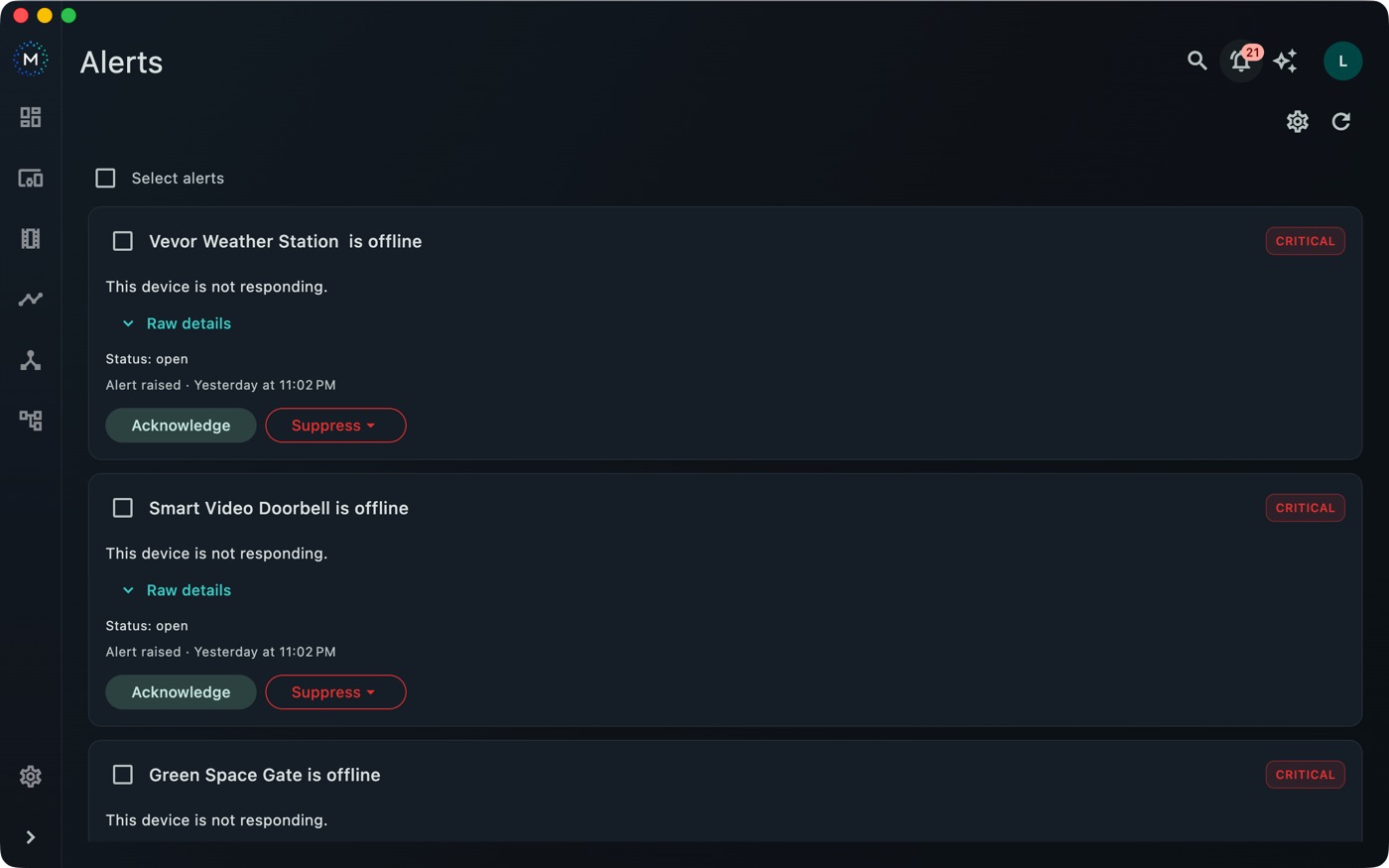
Meridian runs on hardware you control and keeps its application data there. You do not have to send your entire home through an ncdLabs-hosted control service.
Meridian keeps its configuration and synchronized device information on the computer or Meridian Runtime you operate.
If you add Meridian Runtime, you choose the computer that runs it and the clients allowed to connect.
Cloud-based providers may still receive requests and data needed to operate their integrations.
Meridian can start as a desktop-only setup. Add the household runtime later if you need it.
Download the DMG, move Meridian to Applications, and open it on your Mac.
Add a supported smart-home service or discover supported equipment on your network.
Review rooms and devices, then create the scenes and alerts you want to use.
Universal desktop build for Apple silicon and Intel Macs.
64-bit ZIP for Windows 10 and later.
x86_64 AppImage and Debian package.
No public App Store download yet.
Current build: macOS 0.1.0+4 (Windows and Linux remain 0.1.0+3). Choose the installer for your platform.
The macOS app inside the DMG was verified as signed by Developer ID Application: Louis Grossi (JGJLGZQT48) and passed a strict code-signature check.
macOS DMG SHA-256a3890112cab80e499635ee95d5dfc6ccea36ab07d6d2464d1e038feb58c9ae19
Linux AppImage SHA-25652daef79cb03425dcfcbd0640867e80dcdc04c300433bd1ce5120339690e6ef7
Linux DEB SHA-2561e90cdb776f2dc025c69b2a25e5512b2f69e6382931304933a3516e48d293fec
Windows ZIP SHA-2566843df5e50124c82fa0de1758f106b853e46b6298301ae4ff893ded62f9340b9
You can run Meridian on your own computer or Meridian Runtime. Connected providers may require their own accounts.
No. Meridian can keep its own data and runtime local, but integrations built on a provider’s cloud still need that provider’s service.
Choose the download for macOS, Windows, or Linux, then follow the installation guide for your platform.
Not necessarily. Meridian can connect to Home Assistant and provide a separate desktop view. You can also use Meridian with other supported providers and local discovery.
iPhone and iPad builds are in development and are not available for public App Store download yet.